 Cyclefit Assistant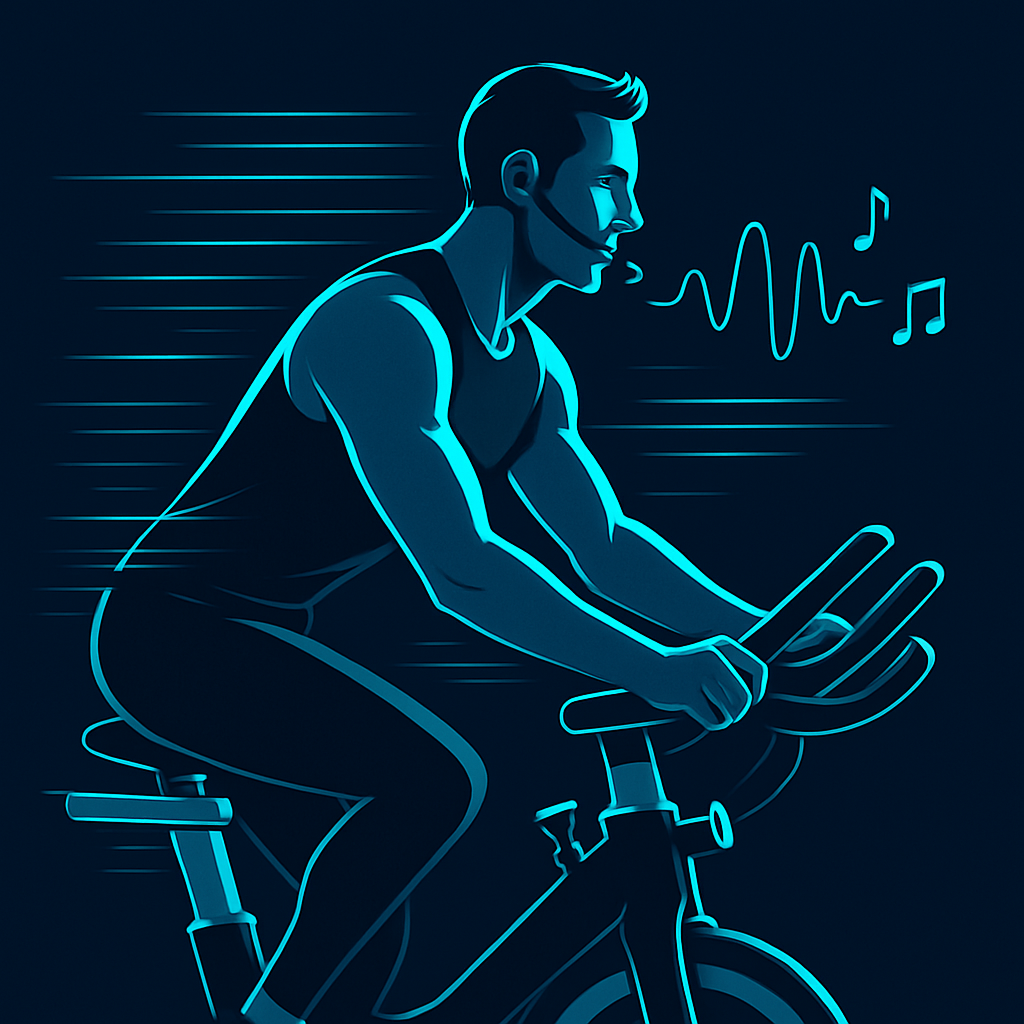
Plan, play, and coach Cycle Fit sessions with confidence
Turn your music into structured Cycle Fit workouts—hills, sprints, cadence/RPM guidance, and coach-ready cues. Built for instructors, great for experienced riders.
- Build a class plan fast: workout structure, intensity changes, and cue points
- Coach with clarity: cadence/RPM guidance + road-style efforts (climbs, sprints)
- Reuse your best work: save plans and repeatable formats across sessions
Beta coming soon. Join the waitlist now; we'll email you when access opens.
Community sharing features planned (playlists + workout plans).
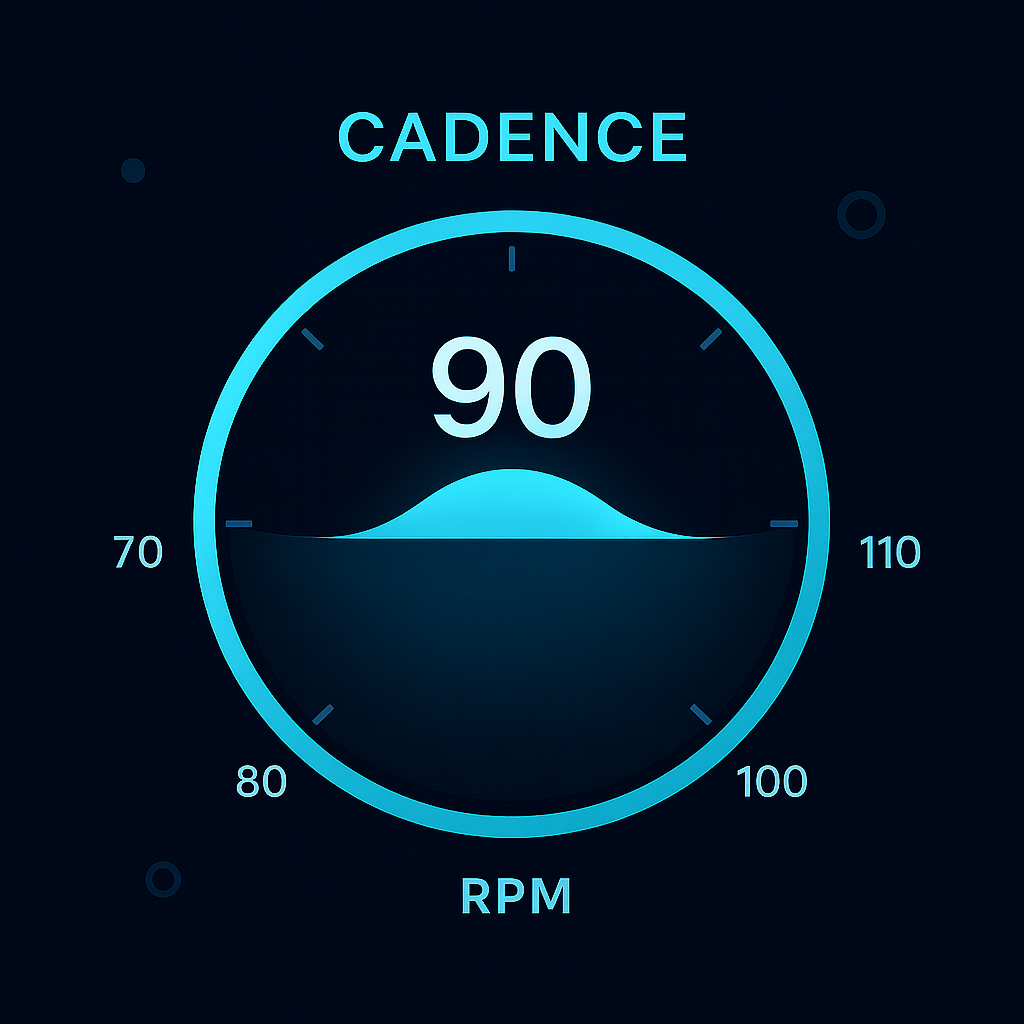
Cadence/RPM at a glance
Show riders the target RPM range with a clean gauge so they can lock in the right effort quickly—no overthinking, just ride.
- Optimized targets for sprints, climbs, and steady tempo
- Clear visual anchor for in-class coaching cues
- Matches the Cyclefit Assistant palette for cohesive branding
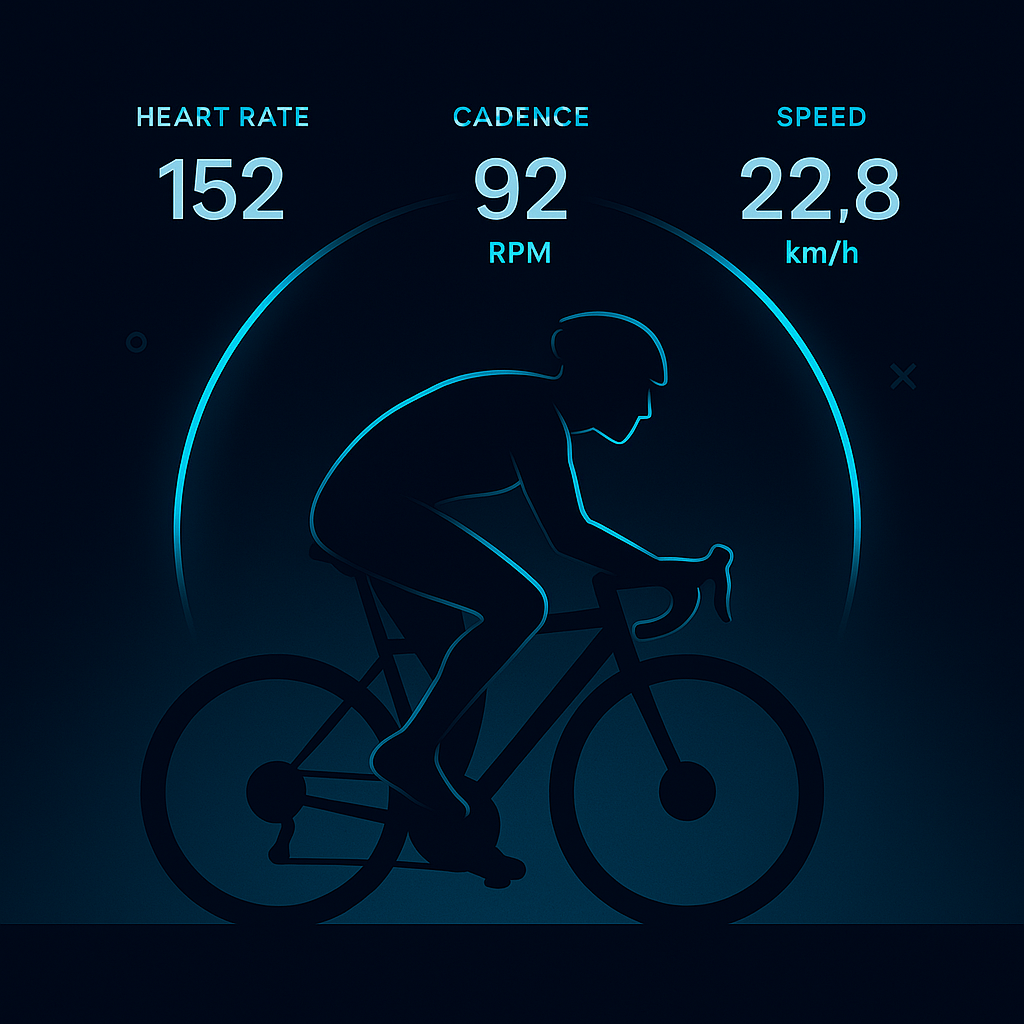
Dynamic cycling dashboard hero
A minimalist, tech-forward hero that pairs your cadence, heart rate, and speed metrics with a clean rider silhouette—energized but uncluttered.
- Dark gradient base (#0a0e1a) with neon cyan arcs (#5dd9f0)
- Light accents (#eaf0ff) for crisp, readable data
- Purpose-built to sit beside product copy or feature highlights
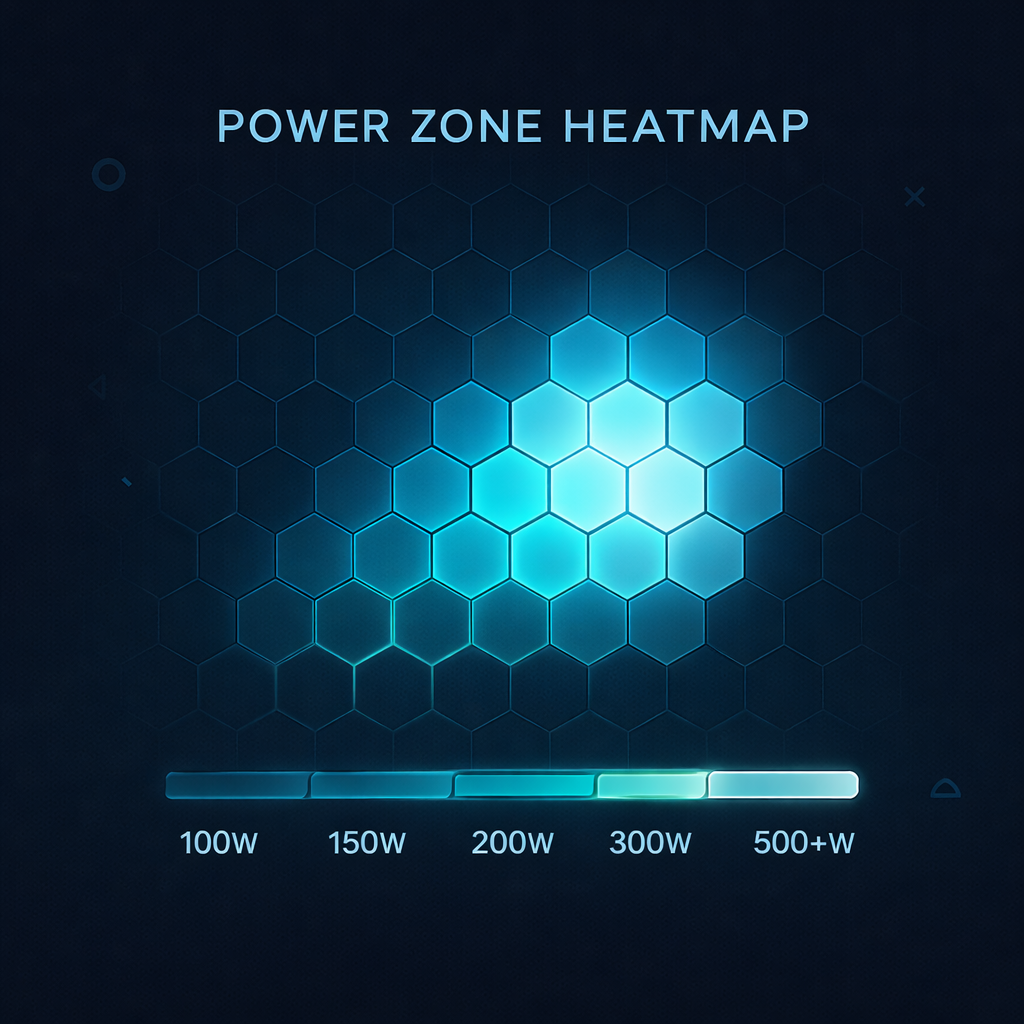
Power zone heatmap
Visualize wattage distribution across zones with a clean grid glow. Perfect for post-class review or mid-session targets.
- Dark base (#0a0e1a) with cyan glow (#5dd9f0) gradients
- Light accents (#eaf0ff) to call out key wattage ranges
- Geometric, minimalist visualization that fits the brand UI
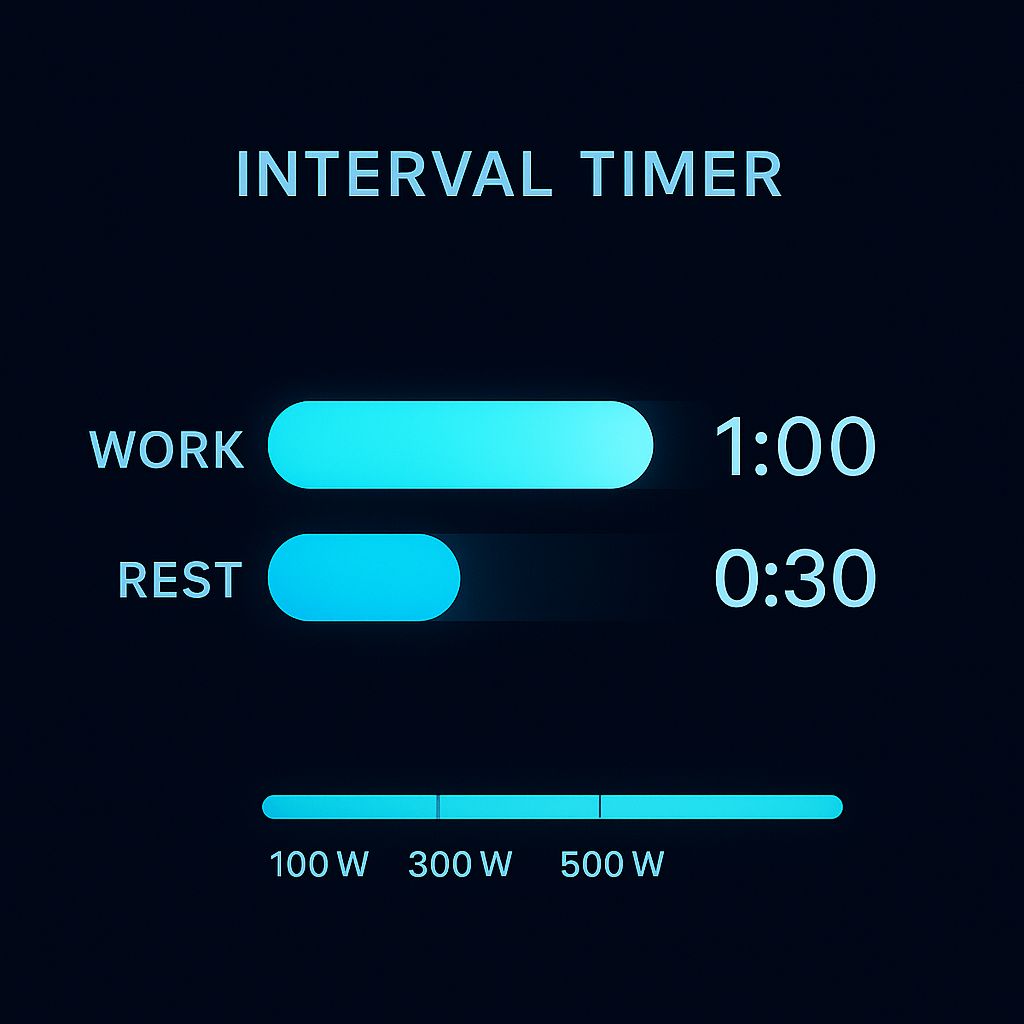
Interval timer visualization
Stacked rings showing work and recovery phases with crisp contrast. Ideal for guiding interval blocks live or previewing class flow.
- Dark background (#0a0e1a) with cyan rings (#5dd9f0)
- Light accents (#eaf0ff) to mark current segment and labels
- Minimalist, high-contrast timer that matches the brand UI
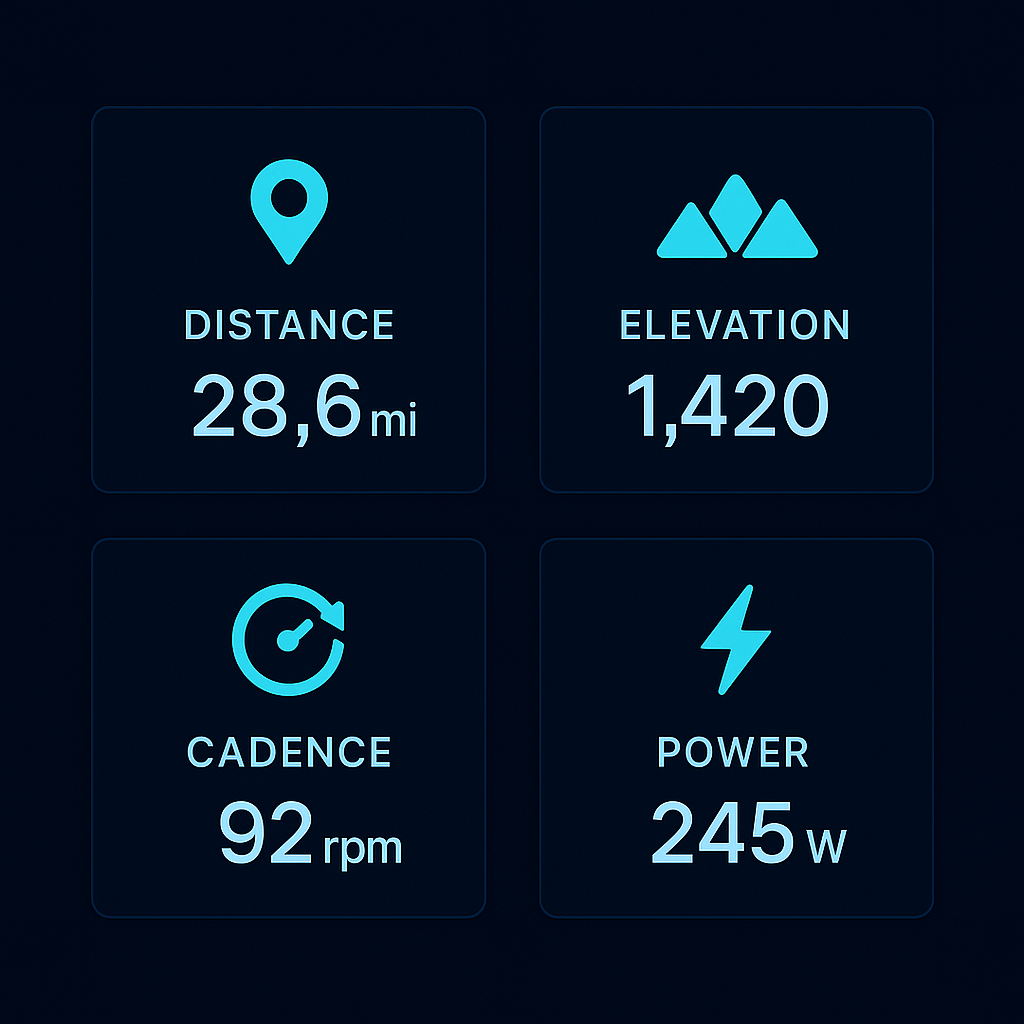
Ride summary cards
Concise, high-contrast cards that showcase distance, elevation, cadence, and power with cohesive branding.
- Dark card set (#0a0e1a) with cyan accents (#5dd9f0)
- Light labels (#eaf0ff) for crisp readability
- Fits alongside feature highlights or post-class stats
Everything you need to run a better session
Structured workouts
Build hills, intervals, sprints, and recovery with a clear flow you can coach.
Cadence/RPM guidance
Set and follow cadence targets that match effort type and class intent.
Coach-ready cues
Keep talking points and transitions tied to the moment, not a messy note app.
Reuse your best formats
Save plans and repeatable patterns so your "signature classes" stay consistent.
Printable/exportable
Generate a coach sheet you can bring to the studio (optional).
Community (coming)
Share and discover playlists + workout plans when social features launch.
How it works
- Pick your musicUse your existing playlists and tracks as the foundation.
- Build a workout planGenerate or edit segments with cadence targets and effort types.
- Coach from the planFollow a clean structure with cues you can actually use mid-class.
For instructors
- Plan faster without losing quality
- Keep class structure consistent
- Coach transitions cleanly (no "what's next?")
- Reuse formats and iterate over time
For experienced riders
- Run road-style efforts on the bike (climbs vs sprints vs tempo)
- Cadence/RPM targets that make sense
- Structured progression, not random effort
- Build your own coached sessions